- Type
- MIDI Transformation
- Author
- Morusque
- Version
- 1.0
- License
- None
- Live version
- 12.0.5
- Max version
- 8.6.2
- Downloads
- 771
- Updated
- 2025-05-21
Emboss is a MIDI Transformation for Ableton Live by Morusque, distributed as freeware, with no license specified by the author. It targets Live 12.0.5 and Max 8.6.2. On maxforlive.com it has 771 downloads. First published 2025-03-16, last updated 2025-05-21. 7 user comments below.
New to Max for Live? Read what MIDI Transformations do, how device licenses work, how to install a device.
Description
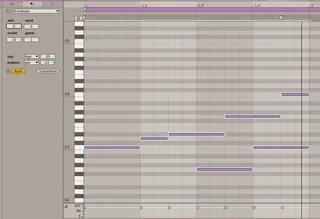
Adds new notes to an existing musical context according to a set of rules.
Rules involve probing existing notes and the use of deterministic randomness, scales, distance, boundaries.
latest updates :
2025 03 28 > many fixes, missing absolute modes; the number of notes now works as a target value; cleaned the way notes are parsed
2025 03 30 > fixed bugs due to the use of global sends
2025 04 06 > other bugs in the hardcoded list of booleans
Comments (7)