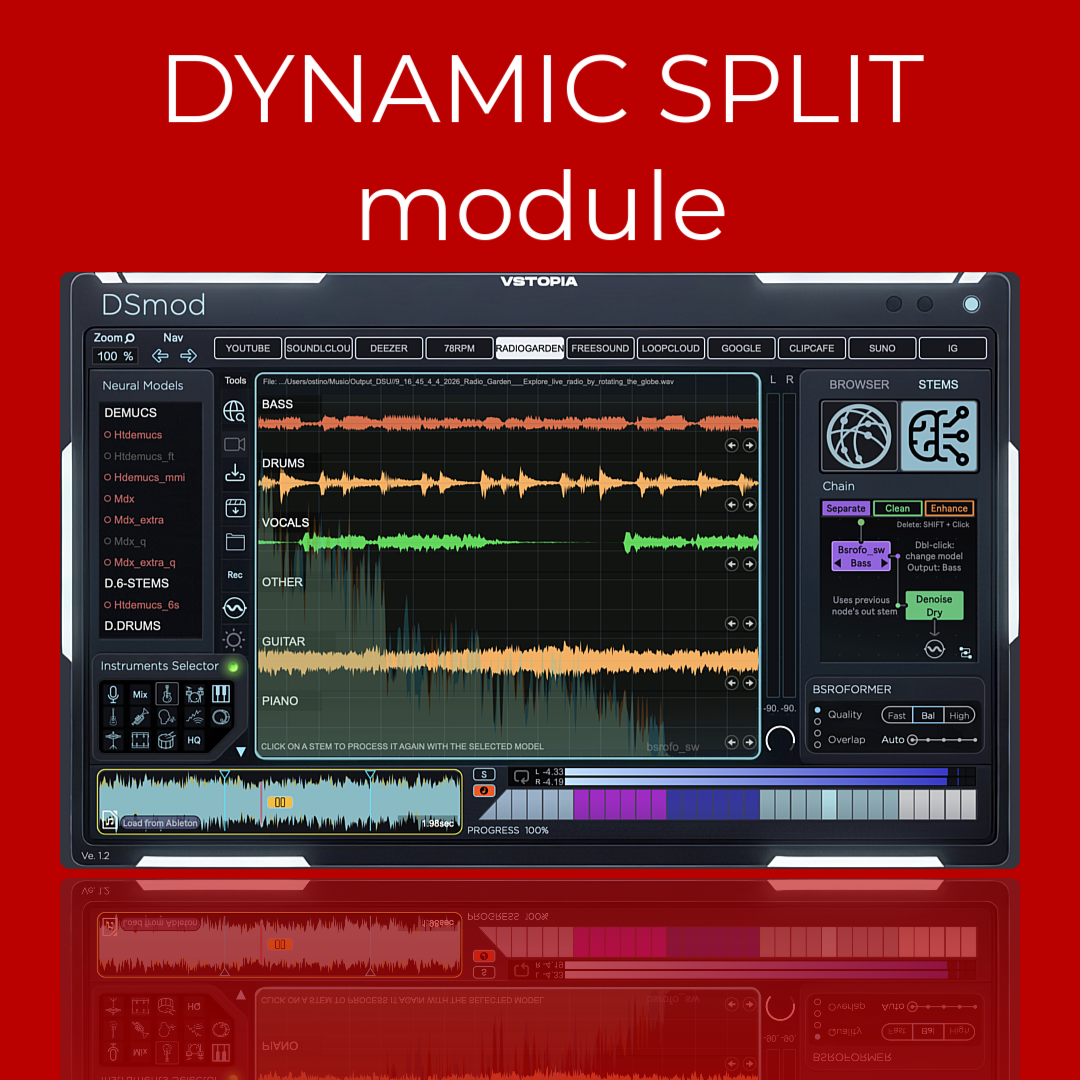
DSm Dynamic Split module
DSM (Dynamic Split Module) is an advanced sampling and stem ...
- Type
- Audio Effect
- Author
- OSTINSOLO
- Version
- 1.2
- License
- Commercial
- Live version
- 12.0.5
- Max version
- 8.6.2
- Downloads
- 0
- Updated
- 2026-04-12
DSm Dynamic Split module is an Audio Effect for Ableton Live by OSTINSOLO, distributed as a commercial (paid) device. It targets Live 12.0.5 and Max 8.6.2. First published 2026-04-04, last updated 2026-04-12. 5 user comments below.
New to Max for Live? Read what Audio Effects do, what the Commercial license means, how to install a device.
Description
DSM (Dynamic Split Module) is an advanced sampling and stem separation system built for producers who want to go deeper into sound.
Too much time in music production is lost to weak source material, failed separations, damaged audio, repetitive setup, and the pressure to rebuild ideas from scratch. DSM is designed to remove that friction while preserving artistic control.
With 63 models, multiple separation architectures, restoration and enhancement tools, and chained processing inside one system, DSM helps you extract, clean, repair, reshape, and reuse audio with far more flexibility than a standard stem splitter.
DSM is not here to generate songs for you. It is built to help artists recover detail, reach inside existing sound, and transform it into new musical material with intention.
It is a major evolution of Split Wizard+ and YouTube4Live, and future development will focus on DSM as the main long-term platform.
Manual: https://docs.vstopia.com/ostin-solo/dynamic-split-module
If you have questions, leave a comment and I’ll reply here.
vstopia.com | Ableton Live Suite | Max for Live
Comments (5)
Cheers!
I’m glad you can see the potential, and I also appreciate the points you raised. Some aspects of responsiveness, especially browser speed and navigation, depend heavily on internet speed, CPU/RAM usage, and the Max for Live environment itself, since the browser runs inside that framework. That said, if you tell me a bit more about the exact experience you expected, I can take that into account for the next update.
A few points may help clarify usage:
* **Model download:** models are downloaded by **double-clicking** them, after the terms have been accepted.
* **Audio download:** direct download is currently intended for **YouTube and ClipCafe**. Other sources need to be **recorded during streaming**, as explained in the manual.
* **Neural processing:** this also depends on the selected workflow/model state, so if you tell me exactly what you clicked and in which context, I can check more precisely.
The UI is also **resizable**, so it should adapt better depending on your setup.
I think the manual will help make some of the workflow clearer, but in any case your feedback is useful. If you send me a bit more detail about what happened on your system, I can understand better what is expected behaviour, what may be unclear in the interface, and what should be improved in the next update.