- Type
- Instrument
- Author
- TilmanEhrhorn
- Version
- 1.0
- License
- AttributionNonCommercialShareAlike
- Live version
- 11.2.11
- Max version
- 8.1.5
- Downloads
- 0
- Updated
- 2023-04-02
4-track is an Instrument for Ableton Live by TilmanEhrhorn, distributed as Creative Commons Attribution-NonCommercial-ShareAlike. It targets Live 11.2.11 and Max 8.1.5. First published 2023-03-24, last updated 2023-04-02. 6 user comments below.
New to Max for Live? Read what Instruments do, what the AttributionNonCommercialShareAlike license means, how to install a device.
Description
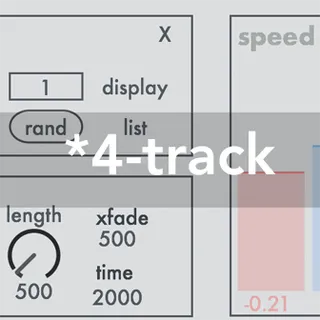
*4-track is a virtual multitrack tape machine.
Four different buffers can be randomly or selectively populated with samples from a folder with an arbitrary number of samples. These samples can be played and looped in full or a selected length.
Within each of the four loop players, the respective sample can be played simultaneously at two different speeds and directions.
Randomly chosen loop selections can be constantly generated as part of a smooth transition using fade-ins and fade-outs with no interruption.
Many of the parameters like speed (and thus pitch) or amplitude can be modulated. Furthermore, the level and panning can be modulated in various pair combinations of the sample content, so that new textures, ambiences and soundscapes will be permanently created.
Demo Video: https://youtu.be/nc_u17xyX_M
Further documentation can be found in the Max for Live device if Ableton Live´s Help View is turned on.
Comments (6)
I'm on Windows 10 22h2, Ableton Live 11.2.11
I hope there will be an update as I like these ones for soundscapes! Thx