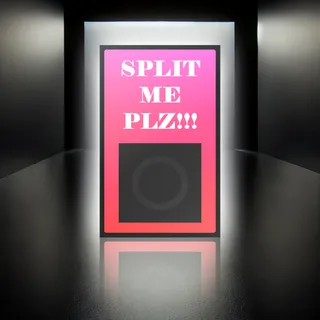
SPLIT ME PLZ
Lets say you are jamming and you write a cool drums groove. ...
- Type
- MIDI Effect
- Author
- BSpot
- Version
- 1.0.2
- License
- None
- Live version
- 12.0.5
- Max version
- 8.6.2
- Downloads
- 0
- Updated
- 2024-12-05
SPLIT ME PLZ is a MIDI Effect for Ableton Live by BSpot, distributed as freeware, with no license specified by the author. It targets Live 12.0.5 and Max 8.6.2. First published 2024-12-04, last updated 2024-12-05. 1 user comment below.
New to Max for Live? Read what MIDI Effects do, how device licenses work, how to install a device.
Description
Lets say you are jamming and you write a cool drums groove. Next you want to mix it. So you duplicate the tracks as many times as there are drum elements. And then you start erasing the parts you dont need for each clip.
This device does this automaticly for you.
You load the device into the desired track.
You press the button. The device splits the 1st clip of the track into other tracks so you have different drum elements in each track.
Attention. This works only for session mode for now.
I havent tried the device to ableton lower than 12.0.5 so if there is any issue please comment so i can fix it.
Comments (1)
I've tried with both Max 8 and 9, the bundled version and the standalone app. I'm on an M1 Mac running Sonoma and using Ableton 12.1.5.
If this could work with arrangement view too it would make this even more useful!