ClipAndCueTrackerOSC
Arrangement Clip And Cue Tracker A Max for Live devic...
- Type
- Audio Effect
- Author
- mtfo
- Version
- 1.0
- License
- None
- Live version
- 12.0.5
- Max version
- 8.6.2
- Downloads
- 0
- Updated
- 2026-06-29
ClipAndCueTrackerOSC is an Audio Effect for Ableton Live by mtfo, distributed as freeware, with no license specified by the author. It targets Live 12.0.5 and Max 8.6.2. Published 2026-06-29.
New to Max for Live? Read what Audio Effects do, how device licenses work, how to install a device.
Description
Arrangement Clip And Cue Tracker
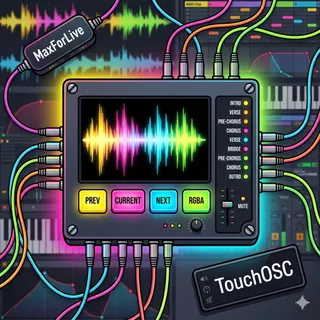
A Max for Live device that tracks the clips on the device's track and the cue points of your Ableton Live arrangement, sending real-time data via OSC.
Features
Clip Tracking: Displays the previous, current, and next clip names and colors as playback moves through your arrangement
Cue Point Tracking: Monitors cue points/locators and outputs their names in sequence
OSC Output: Sends clip/cue data to a configurable OSC receiver
Customizable Labels: Edit OSC message addresses for integration with external controllers
Color Sync: Outputs RGB color values matching your clip colors
Use Cases
Control external hardware via OSC based on previous, current and the next clip and/or cue
Create dynamic setlists that respond to arrangement playback
Setup
Drop the device on a track with named and colored clips in your arrangement
Configure host/port for your OSC receiver
Press "Refresh" if clips are added/modified, or device is dragged to another track
Toggle between Clips and Cues mode as needed
In TouchOSC, create labels, each with two OSC address. One OSC address for the text argument, and another OSC address for the RGB arguments. You have to add each R G and B arguments.