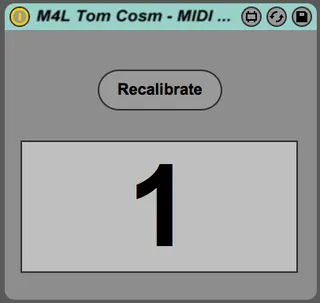
MIDI Note to Clip Slot Trigger
A video explanation of how this works can be found here http...
- Type
- MIDI Effect
- Author
- tomcosm
- Version
- 1.0
- License
- None
- Live version
- 9.1.6
- Max version
- 6.1.9
- Downloads
- 1,770
- Updated
- 2015-01-20
MIDI Note to Clip Slot Trigger is a MIDI Effect for Ableton Live by tomcosm, distributed as freeware, with no license specified by the author. It targets Live 9.1.6 and Max 6.1.9. On maxforlive.com it has 1,770 downloads. First published 2015-01-18, last updated 2015-01-20. 2 user comments below.
New to Max for Live? Read what MIDI Effects do, how device licenses work, how to install a device.
Description
A video explanation of how this works can be found here https://www.youtube.com/watch?v=U_g680_X3bE
This device will listen to an MIDI notes played on the track it is placed on, converting them into Clip Slot trigger messages for the track directly to the right.
The first clip slot is triggered by the note C-2, the second by C#-2 and so on and so on.
This was created so you can create preset sequences of clipslots that need to be triggered, great for recording and playing back sequences of dummy clips during a live performance.
A detailed video explanation of how this will be uploaded shortly.
Comments (2)
setup this device on a midi track then place your drum loop and drum fill loop in slots 1 and 2 of the the adjacent track. place a midi loop on the channel that contains this M4L device and place a quarter note on beats 1 and 3 of the lowest note (note 0, C-2). set the launch setting of the drum fill loop to legato and disable launch quantization. every time you launch the drum fill loop it will play instantaneously (from the correct location) and return to the main loop on 1 JUST LIKE AN ARRANGER KEYBOARD!
As always, well done Tom.