Scratchy McScratchFace
Scratchy McScratchFace is a pseudo turntablist right inside ...
- Type
- Audio Effect
- Author
- tomcosm
- Version
- 1.0
- License
- None
- Live version
- 9.2
- Max version
- 7.0.4
- Downloads
- 3
- Updated
- No Updates
Scratchy McScratchFace is an Audio Effect for Ableton Live by tomcosm, distributed as freeware, with no license specified by the author. It targets Live 9.2 and Max 7.0.4. On maxforlive.com it has 3 downloads. Published 2016-04-20. 1 user comment below.
New to Max for Live? Read what Audio Effects do, how device licenses work, how to install a device.
Description
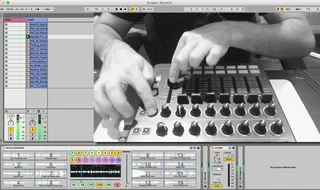
Scratchy McScratchFace is a pseudo turntablist right inside of Ableton Live.
Video example here: https://www.youtube.com/watch?v=IZn3w8Y68gM&feature=youtu.be
It let’s you quickly pitch shift up and down 16 predefined samples, with an automatic rhythmic volume gate that is in sync with the current projects tempo.
Simply drag and drop up to 16 samples into the scratch sample slots, you can do this from your live browser, from your computer finder or file explorer, or even directly drag clips from clip slots inside Ableton.
Once done, hit one of the 16 MIDI assignable buttons to quickly load that sample into the scratching area.
The master scratch fader will let you scrub back and forward through the sample, while the rhythmical gate buttons will cut the audio quickly and in time to whatever else is playing in your project.
If you already know how to cut, stab, chop, and crab, you can also MIDI assign a fader to the volume and do the cutting yourself.
It’s free, or you pay what you want. Which I will spend on beer.
Comments (1)