LTC DISPLAY BY LEOLABS
DECODE AND DISPLAY LTC TIMECODE IN REAL-TIME LTC D...
- Type
- MIDI Effect
- Author
- IsotonikStudios
- Version
- 1.0
- License
- Commercial
- Live version
- 10.1.18
- Max version
- 8.1.5
- Downloads
- 0
- Updated
- No Updates
LTC DISPLAY BY LEOLABS is a MIDI Effect for Ableton Live by IsotonikStudios, distributed as a commercial (paid) device. It targets Live 10.1.18 and Max 8.1.5. Published 2023-04-24.
New to Max for Live? Read what MIDI Effects do, what the Commercial license means, how to install a device.
Description
DECODE AND DISPLAY LTC TIMECODE IN REAL-TIME
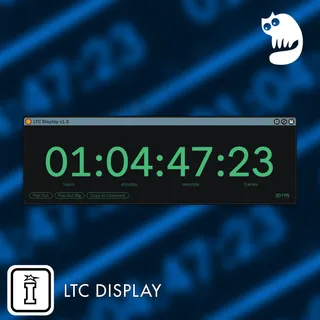
LTC Display decodes the SMPTE timecode and frame rate embedded in an audio track and displays it as it comes in. Just drop the Max for Live device on your timecode track and you‘re good to go. You can either display the current timecode on your track, in a floating window, or on your iPad using the Mira app.
You can generate LTC audio files using the free ElTeeSee tool
LTC DISPLAY FEATURES
Works with All Common Frame Rates – The decoder automatically detects 24, 25, and 30, as well as 23.976 and 29.97 FPS signals.
Pop-out Window – Open the timecode in a large floating window to always have it in sight.
Mira Support – Display the timecode on an iPad using the Mira app.
Copy to Clipboard- Easily copy the current timecode to your clipboard and use it in time-related notes or whatever you might need it for.
Integration with AbleSet 2
By running LTC Display and AbleSet together, you can see the current timecode in your setlist and performance view on any device on the same network as your computer. Just enable the LTC Display option in AbleSet, place the LTC Display on your timecode track, and you’re set.