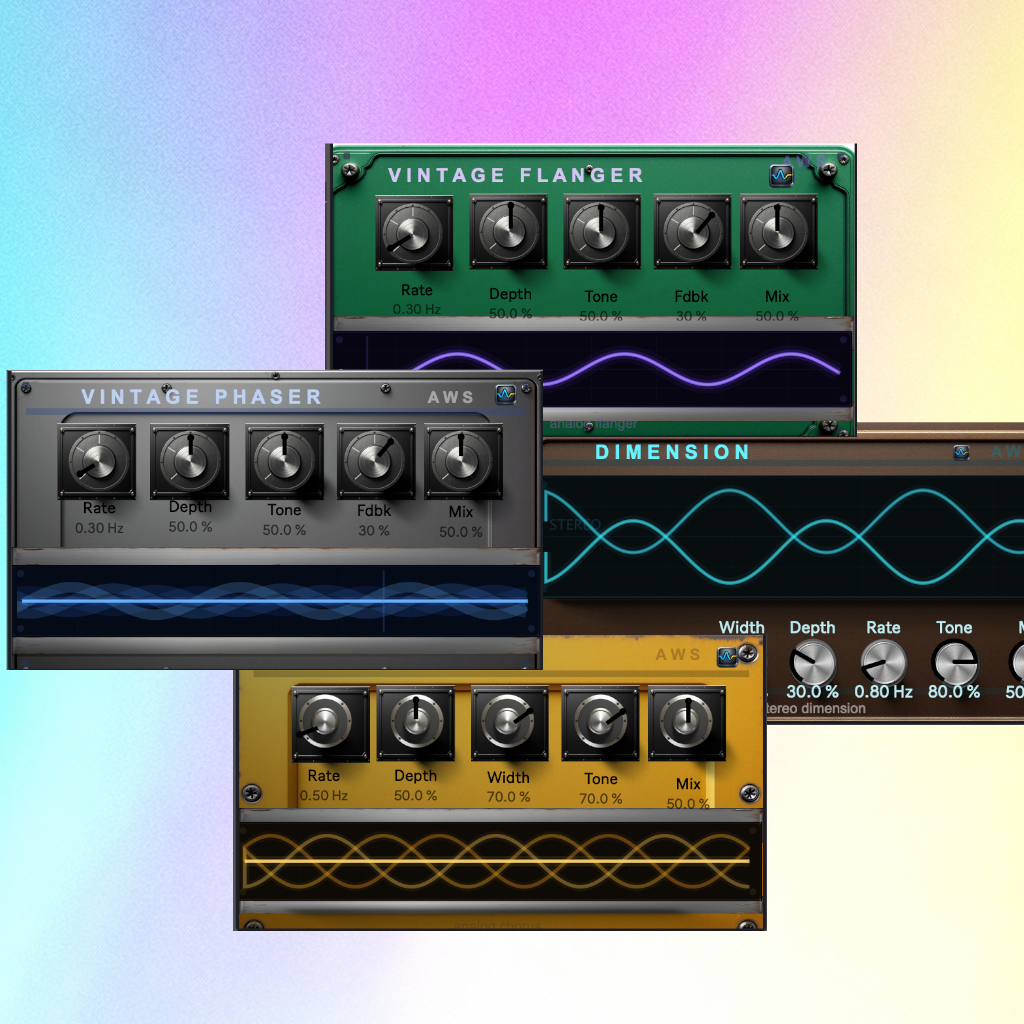
Vintage Modulation Bundle
Vintage Modulation Bundle (Chorus • Phaser • Flanger •...
- Type
- Audio Effect
- Author
- AnalogWaveStudio
- Version
- 1.0
- License
- None
- Live version
- 12.0.5
- Max version
- 8.6.2
- Downloads
- 0
- Updated
- 2026-03-03
Vintage Modulation Bundle is an Audio Effect for Ableton Live by AnalogWaveStudio, distributed as freeware, with no license specified by the author. It targets Live 12.0.5 and Max 8.6.2. Published 2026-03-03.
New to Max for Live? Read what Audio Effects do, how device licenses work, how to install a device.
Description
Vintage Modulation Bundle (Chorus • Phaser • Flanger • Dimension)
Four for the price of one.
A tight modulation bundle for Ableton Live (Max for Live): VintageFlanger + Dimension + VintageChorus + VintagePhaser. Built for quick movement, width, and texture—without needing a huge rack.
Included devices (4)
AWS – VintageFlanger
Classic flanging for motion and transitions—subtle stereo movement when it’s low, obvious sweep when it’s pushed. Use it on drums/perc, synth stabs, FX throws, and build-ups.
AWS – Dimension
Stereo width and depth inspired by the Roland SDD-320 Dimension D—widen sources (vocals, synths, pads, guitars) without the obvious pitch wobble you get from many choruses.
AWS – VintageChorus
A 3-voice stereo chorus designed to go wide and stay smooth. The voices are modulated 120° apart for balanced movement (wide but controlled), with simple controls: Rate (0.05–5 Hz), Depth, Width, Tone, Mix.
AWS – VintagePhaser
A 4-stage allpass phaser for the classic “whoosh.” An LFO sweeps the notches; feedback adds resonance and character—simple and unmistakable.
What this bundle is for
Make static sounds move (pads, keys, synth layers, drum loops)
Stereo interest that stays usable (Dimension / Chorus on groups & returns)
Transitions and ear candy (Flanger / Phaser ramps and throws)
Parallel texture (blend wet under the dry signal)
Fast workflow
Put Dimension or VintageChorus on a return for instant width you can blend.
Use VintagePhaser for swirl on hats/loops/atmos.
Use VintageFlanger for build-ups, drops, and “wake up” moments.
Level-match output for honest A/B.
Requirements
Ableton Live + Max for Live (macOS / Windows)
Install
Download → unzip → drag the .amxd devices into Live → (optional) save to User Library.
License
Single-user license. Use in personal + commercial projects. No redistribution/resale of the device files.