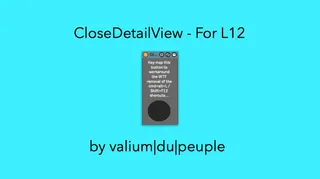
Close L12 Detail View
As you know, or will know soon, Ableton has removed the Shif...
- Type
- Audio Effect
- Author
- Crampe
- Version
- 1.0
- License
- AttributionNonCommercial
- Live version
- 12
- Max version
- 8.6
- Downloads
- 0
- Updated
- No Updates
Close L12 Detail View is an Audio Effect for Ableton Live by Crampe, distributed as Creative Commons Attribution-NonCommercial. It targets Live 12 and Max 8.6. Published 2024-03-04. 1 user comment below.
New to Max for Live? Read what Audio Effects do, what the AttributionNonCommercial license means, how to install a device.
Description
As you know, or will know soon, Ableton has removed the Shift+F12 / alt+cmd+L shortcuts used to close the detailed clip/device view from Live 12. They said it'll come back soon, but for the time being, here's a M4L workaround.
Simply place the device on your master (or utilities) track, key/midi map its button, and save as your Template Set.
Comments (1)