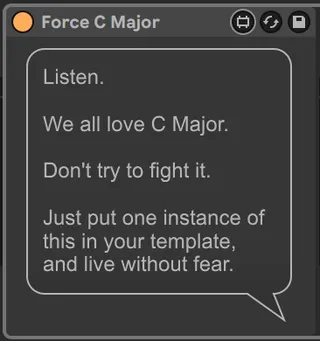
Force C Major
This device monitors which scale is selected, to make sure i...
- Type
- Audio Effect
- Author
- greaterthanzero
- Version
- 1.02
- License
- Attribution
- Live version
- 12.0.0
- Max version
- 8.6.0
- Downloads
- 77
- Updated
- 2024-02-18
Force C Major is an Audio Effect for Ableton Live by greaterthanzero, distributed as Creative Commons Attribution. It targets Live 12.0.0 and Max 8.6.0. On maxforlive.com it has 77 downloads. First published 2024-02-14, last updated 2024-02-18. 3 user comments below.
New to Max for Live? Read what Audio Effects do, what the Attribution license means, how to install a device.
Description
This device monitors which scale is selected, to make sure it's C Major.
Any time it's *not* C Major, the device will silently correct that obvious lapse in judgment.
Note: This is stupid, and you probably shouldn't use it.
--------------
CHANGELOG:
v1.02 - immediate bugfix release
v1.01 - source code optimization
v1.00 - initial release
Comments (3)
C Minor is out of the question.