- Type
- MIDI Effect
- Author
- dennisdesantis
- Version
- 1.0
- License
- None
- Live version
- 11.0
- Max version
- 8.1.9
- Downloads
- 533
- Updated
- No Updates
Note Wrap is a MIDI Effect for Ableton Live by dennisdesantis, distributed as freeware, with no license specified by the author. It targets Live 11.0 and Max 8.1.9. On maxforlive.com it has 533 downloads. Published 2021-03-06. 1 user comment below.
New to Max for Live? Read what MIDI Effects do, how device licenses work, how to install a device.
Description
Normally, moving notes with the arrow keys can push them out of the clip's loop region.
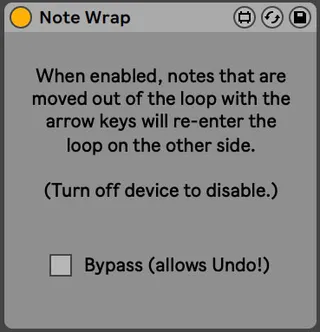
When Note Wrap is enabled, notes that are moved out of the loop with the arrow keys will re-enter the loop on the other side.
To disable, just turn off the device.
version 1
Dennis DeSantis
March 6, 2021
Notes:
- Creating or selecting notes that are within one grid location outside of the loop will move those notes back into the loop. (Notes further than one grid location outside the loop will not be affected by the device.)
- Note Wrap may behave unexpectedly when using Adaptive Grid settings.
- When using this device, Live's Undo will only be able to reach the point at which the device last operated on a clip. To reach earlier points in the Undo history, enable Bypass. When finished undoing, disable Bypass to use the device again.
- Note Wrap will not work in versions of Live prior to Live 11.
Comments (1)